Coming to iOS
Your travel companion,
at every table.
SpoonTip reads the menu, explains every dish and helps you choose. Then it helps you order, find the next place, and ask the things a guidebook can't.
Send us a line and we'll tell you the day it lands.
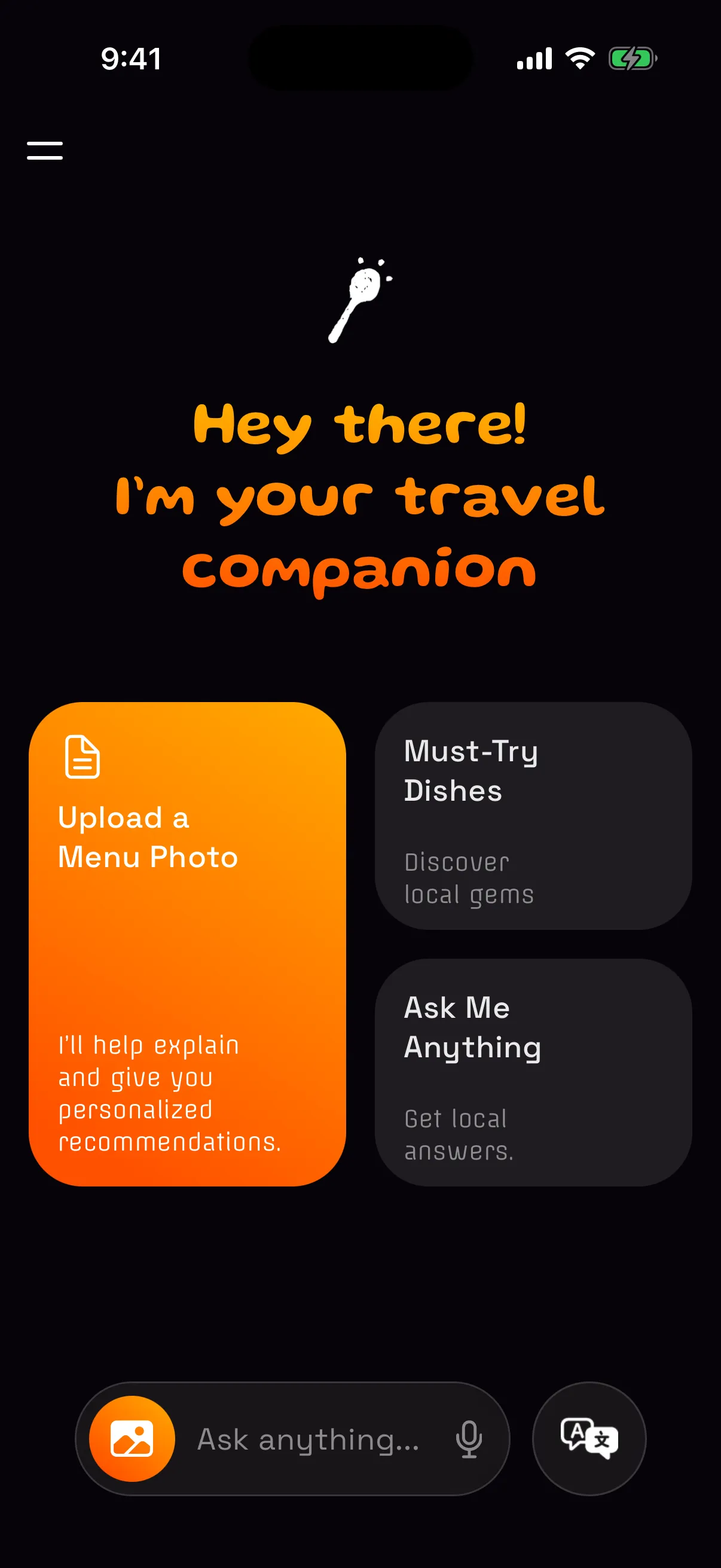
You are seated. The menu arrives. It is four pages of a language you do not read, the server is waiting, and the only thing you recognise is the word pizza.
Everyone has ordered the wrong thing out of politeness. SpoonTip exists so that the good dish — the one the locals order — is the one you can find.
Before you sit down
Find what the locals order.
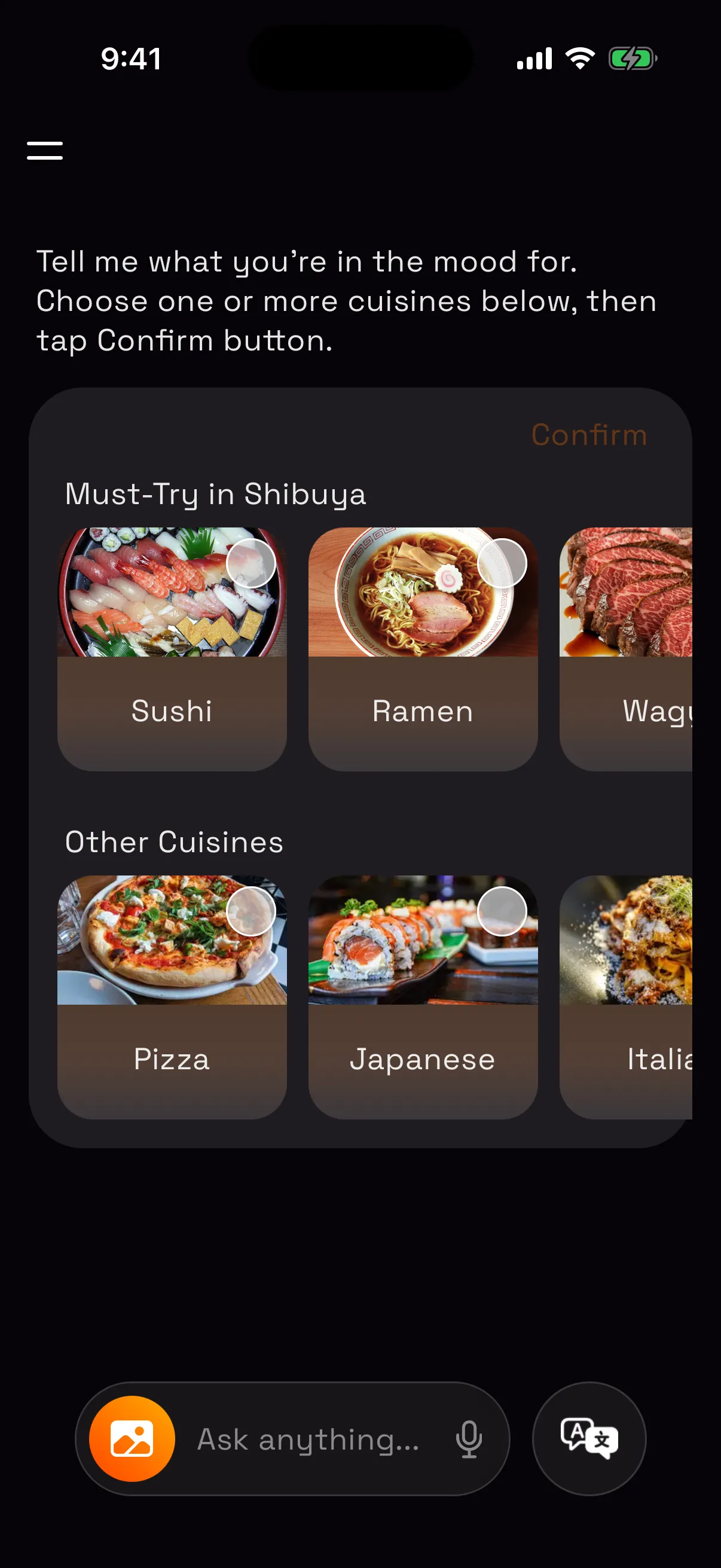
Tell SpoonTip what you're in the mood for and where you are. It suggests the dishes the area is known for and the places that serve them, and you can save the ones you like for later.
At the table
A menu you can actually read.
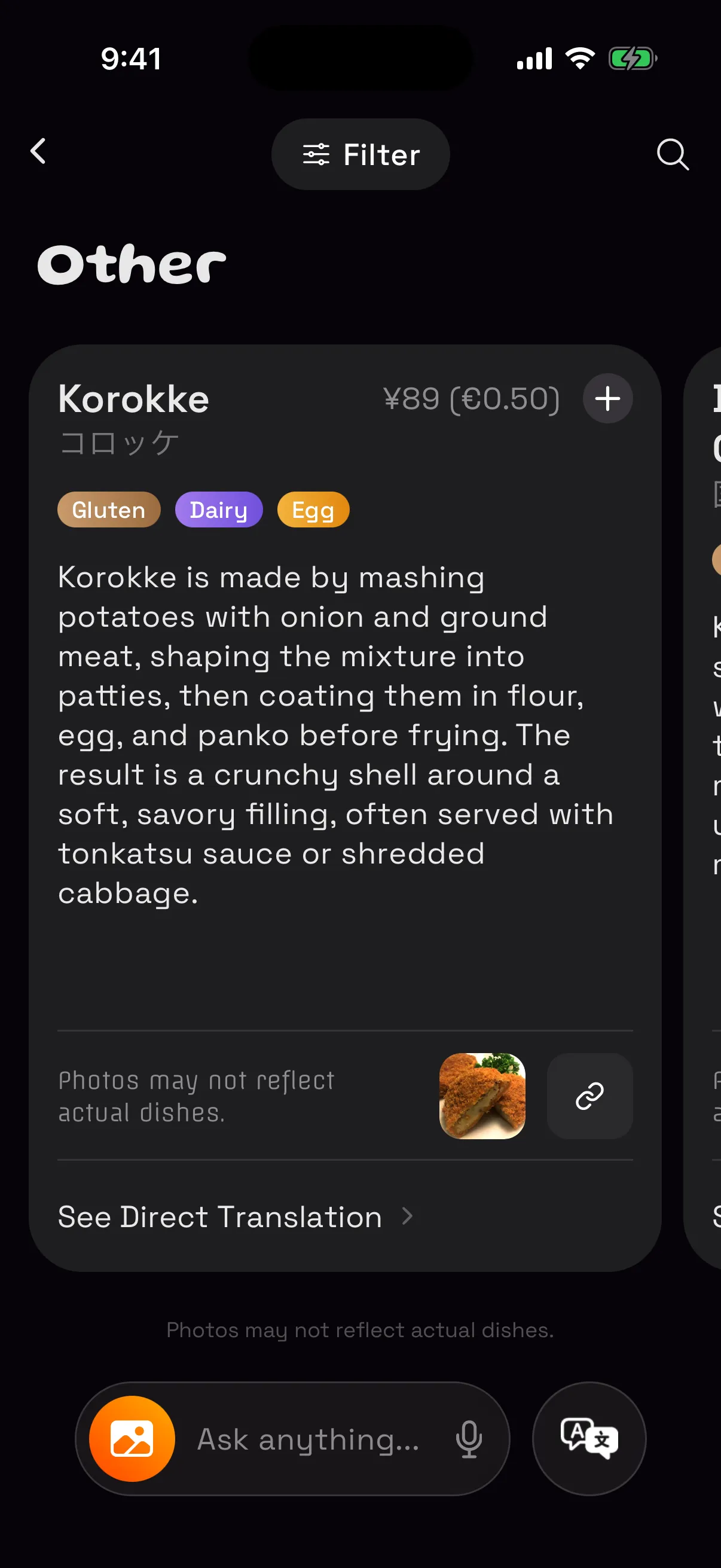
Photograph every page. SpoonTip reads them as one menu and brings it back in your language, dish by dish. Switch between a direct translation and one that explains what each dish actually is.
- A photo for every dish
- Best for You: dishes that suit your tastes and allergies
- Filter by diet, spice and price, or search by ingredient
Ordering
Order without the guesswork.
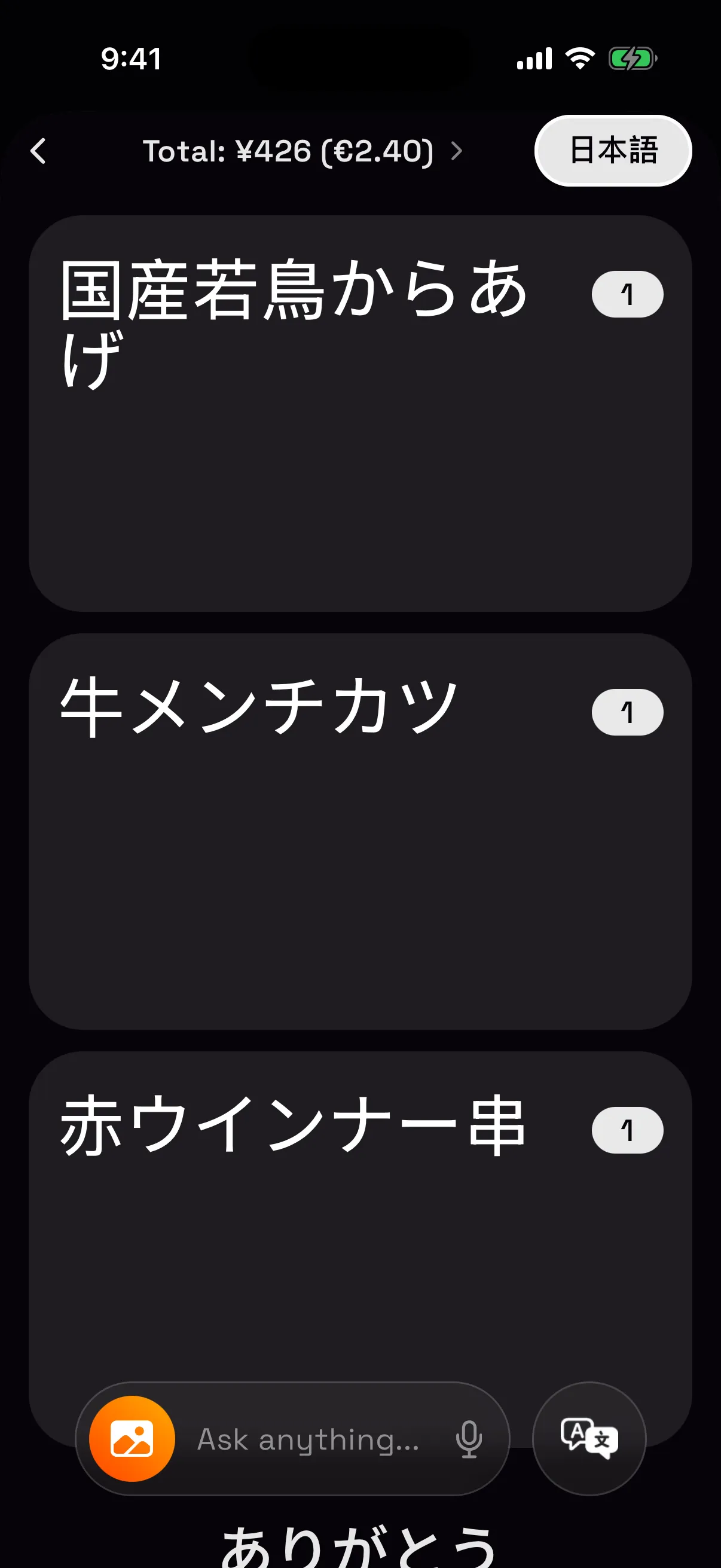
Add dishes as you go. The cart totals your order, converts it to your currency and estimates tax and tip by local custom. Flip turns it into a card in the menu's own language to show your server. Need to say more? Translation lets you speak or type, and plays the reply aloud.
Anytime
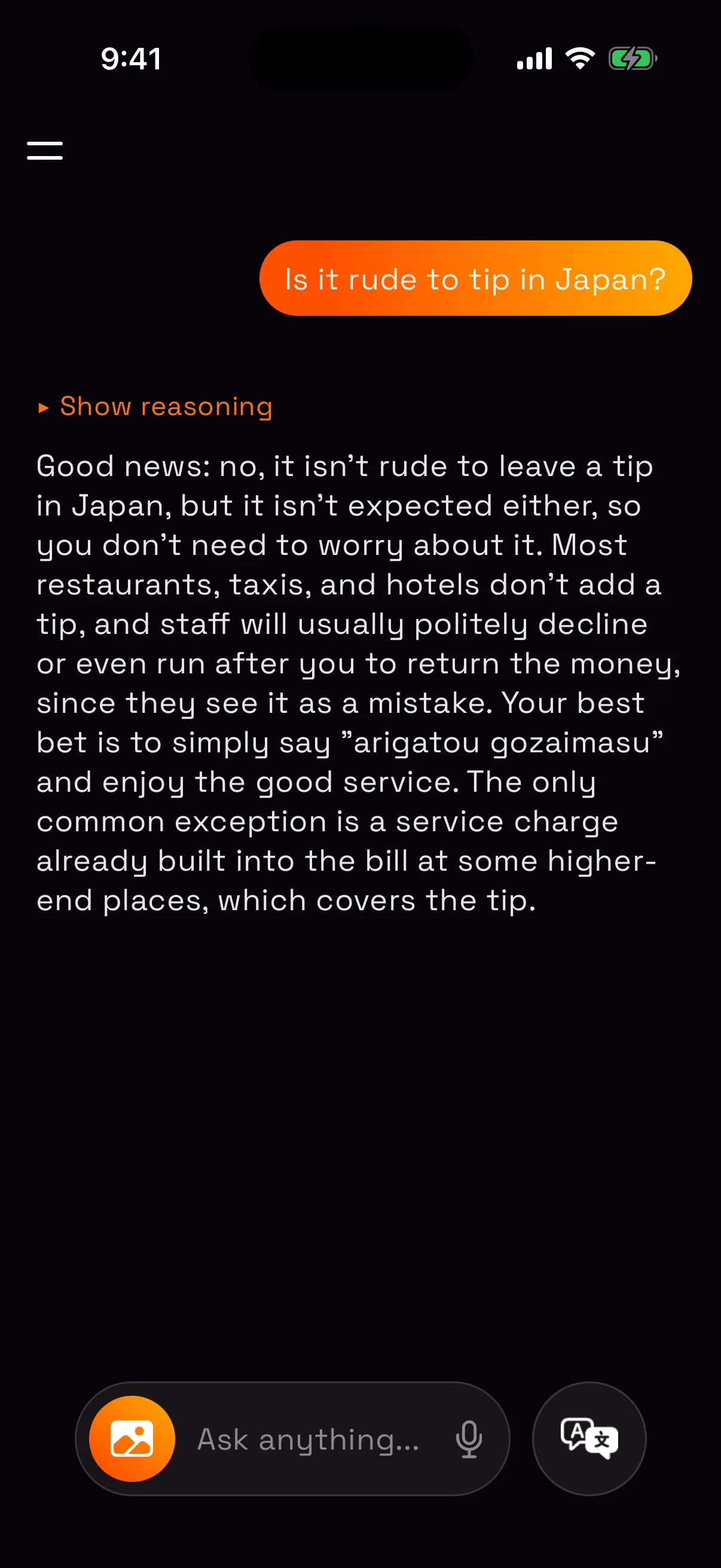
Ask me anything.
Is it rude to tip here? What does this sign say? What is the dish in this photo? The companion answers in your language and remembers what you like.
The small things
- Keeps working when you switch apps, and tells you when it's done
- The app speaks 17 languages
- Your history stays for as long as you choose
Privacy
The boring, good kind
A menu photo can carry more than a menu — the restaurant, the city, who you were with. SpoonTip is built so that none of it becomes a business model.
No ads, ever
There is no ad business here, so there is nothing to profile you for.
Photos are not kept
Your menu photo is read and translated, then dropped.
Never sold
We don't sell your data or share it for advertising.
Your history is yours
It lives on your device; we keep only what a request needs, briefly, then delete it.
Questions
Which languages does it handle?
Menus in almost any language the camera can read, translated into the language you choose. The app itself is available in 17 languages.
How long does a scan take?
Dishes appear as they're read, so you're reading before the scan finishes.
How much does it cost?
Pricing is still being decided. We'll share it here before launch.
Do I need an account?
Yes. Sign in with Apple, Google or email the first time you open the app. You can delete your account and its data at any time from Settings.
What happens to my menu photos?
They're sent over an encrypted connection to our AI providers to read and translate the menu, and they aren't kept afterwards. See the privacy policy.
Coming to iOS
Next time the menu is unreadable,
it will not matter.
Ask for early accessOr just say hello — hello@spoontip.com